
by Sue Ann Kendall
Today we had one of our first educational sessions at the Wild Wings Bird Sanctuary, sponsored by the El Camino Real Texas Master Naturalist chapter. Although there’s no denying the weather was toasty and humid, the attendees all learned about Merlin Bird ID and iNaturalist.
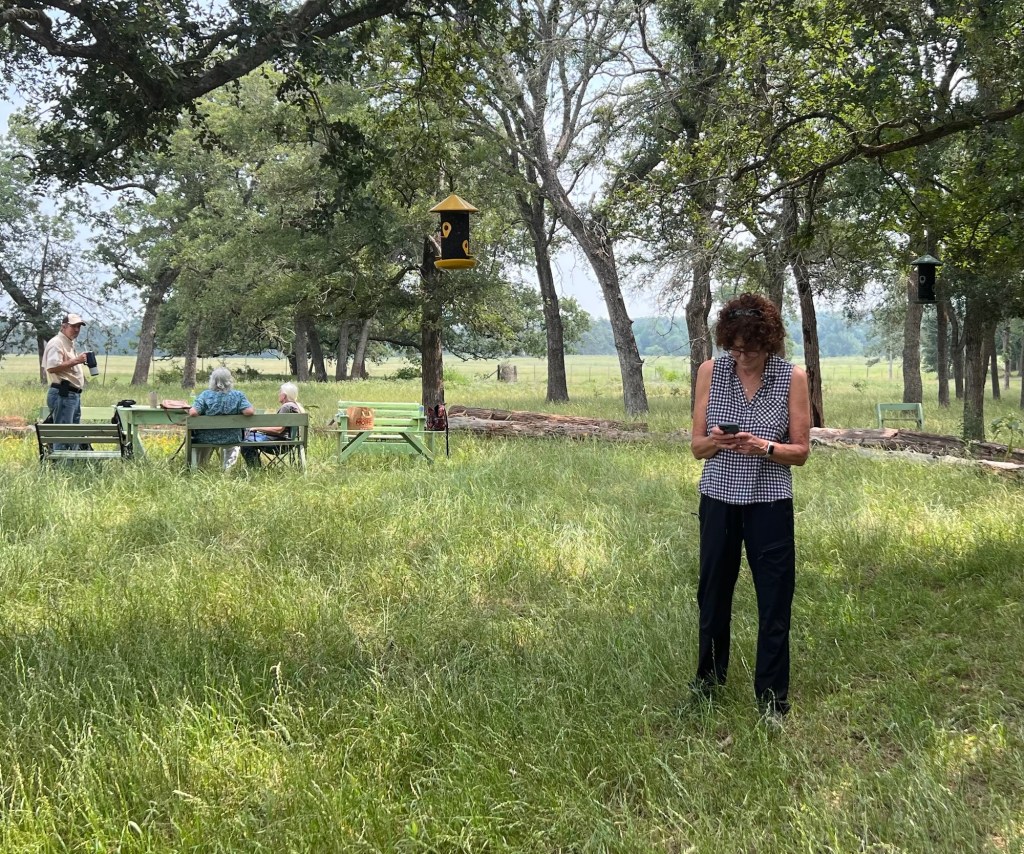

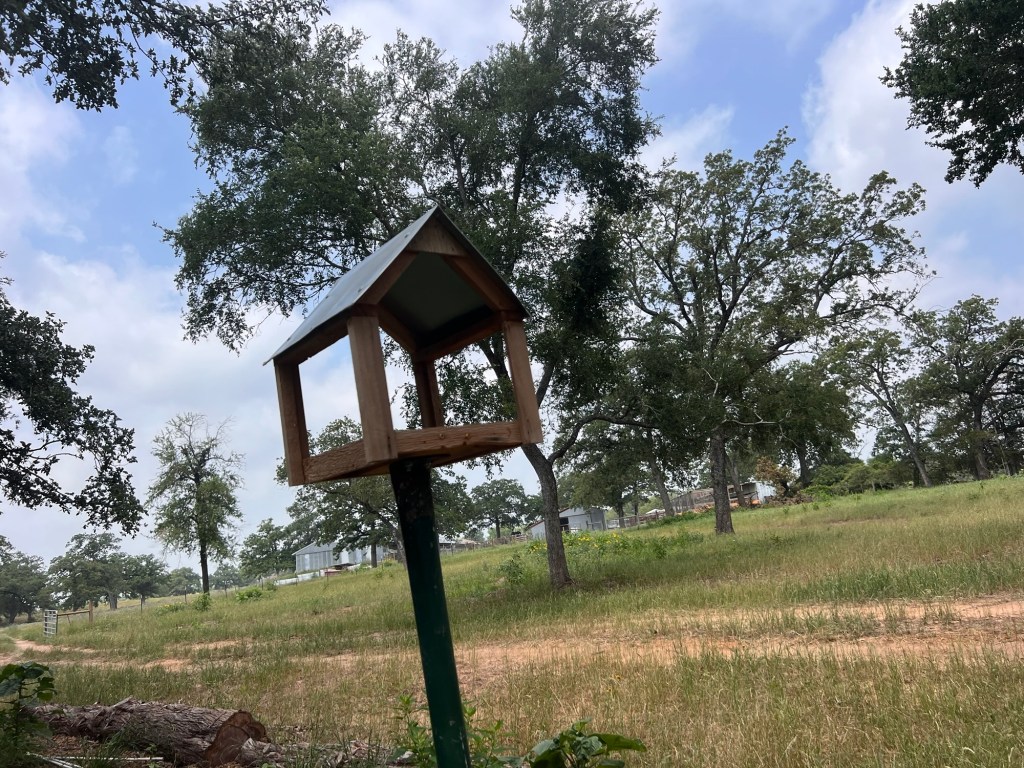

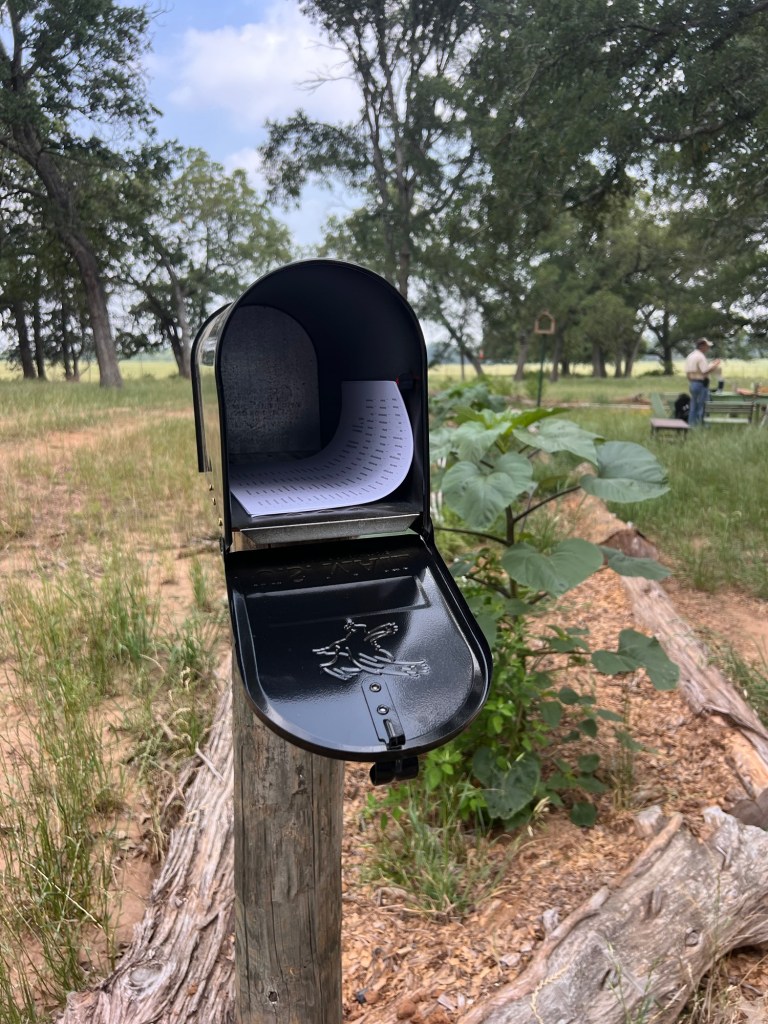

I enjoyed leading the discussion, since I just retired as an adult educator and miss teaching people. I’m grateful for the opportunity to give back to the chapter.
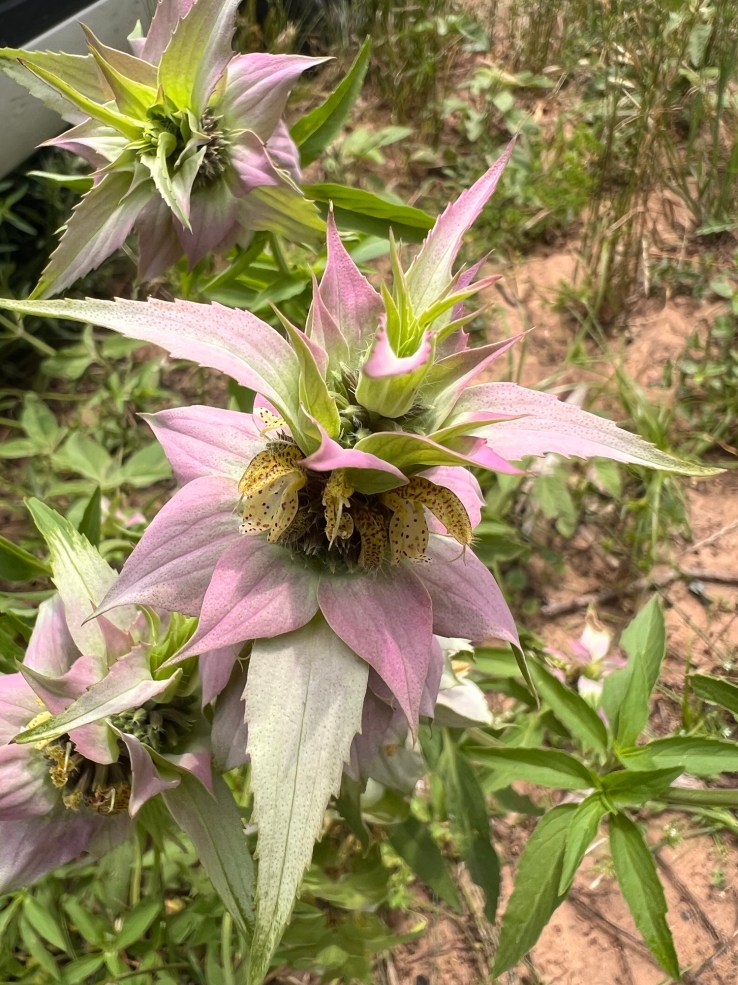
Anyway, before we started, one of our members brought a baby bird she has been caring for to try to identify it. We enjoyed watching it eat and peep. No doubt it will soon be in the hands of All Things Wild or another rehab organization, but for now, the little Blue-gray Gnatcatcher or Mockingbird seemed in good shape. Interestingly, more than one of us tried to use Merlin Bird ID to identify it, but depending on the angle of the photograph (or something), different birds came up. On iNaturalist, my photo came up unambiguously Blue-gray Gnatcatcher, however. And looking at the bird, it seems more likely to be a Gnatcatcher than a Mockingbird or Phoebe. It will be interesting to find out how it turns out.

The class had a mix of learners, from people who were unable to access the App store to get either app on their phone to very quick learners to experienced helpers. I did my best to help everyone but always got stumped when I can’t remember their passwords for them (I can’t remember mine either, but have finally found ways to find them when I need them). I can help people later! Oh, and those with Android phones weren’t able to acquire the new iNaturalist, because it’s only out for iPhones, to the great consternation of some of our power users!
Merlin
The good news is that even some of the experienced people learned new features of Merlin Bird ID. Some of the most helpful information is kind of buried among menus and options with cryptic symbols. We had a lot of fun seeing what the most likely birds in the area around Wild Wings would be, and people practiced the step-by-step and photo ID features. I enjoyed showing learners how to get to additional information about birds they identify, such as migration patterns, songs and more.
Most important from a “citizen science” viewpoint, is that everyone learned how to save an observation to their life list. There were some very gleeful folks who started to build out their lists. Who doesn’t enjoy seeing a bunch of stars appear and the words “New Lifer!”? I sure enjoy it, even with 333 birds on my list (I travel a lot, so there are lots of East Coast, Colorado and Arizona birds). These observations go on eBird, where biologists and others use it to track patterns of movement, migration, and numbers. The more people record observations, the more information they will have.

It’s important to remember that the birds identified by the AI software used by Merlin are not always accurate, as I’ve written about before. For example It’s less accurate if you don’t have it set to listen for birds where you are, too (I forgot to tell mine to stop listening for South Carolina birds recently, and only realized when a Texas bird I heard was missed). [I forgot to teach this part, so here are some instructions.] The setting to change locations (if you travel or something) is accessed by clicking the menu on the Explore (search) screen and clicking where it says “Cameron TX” on my version of the Refine Bird List screen (yours may differ). Then click Current Location (I usually leave mine on my house, which works fine for all our area). It will be stuck on your last location until you select “current location”
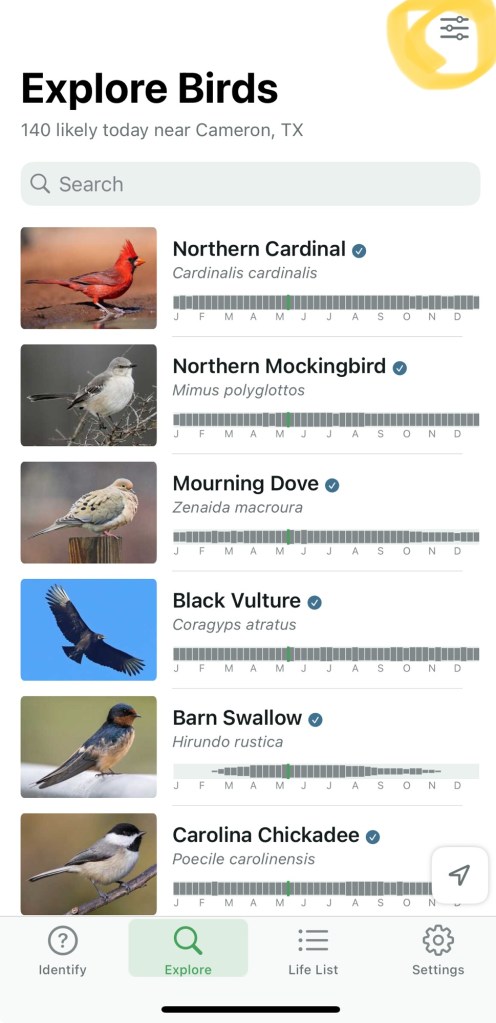

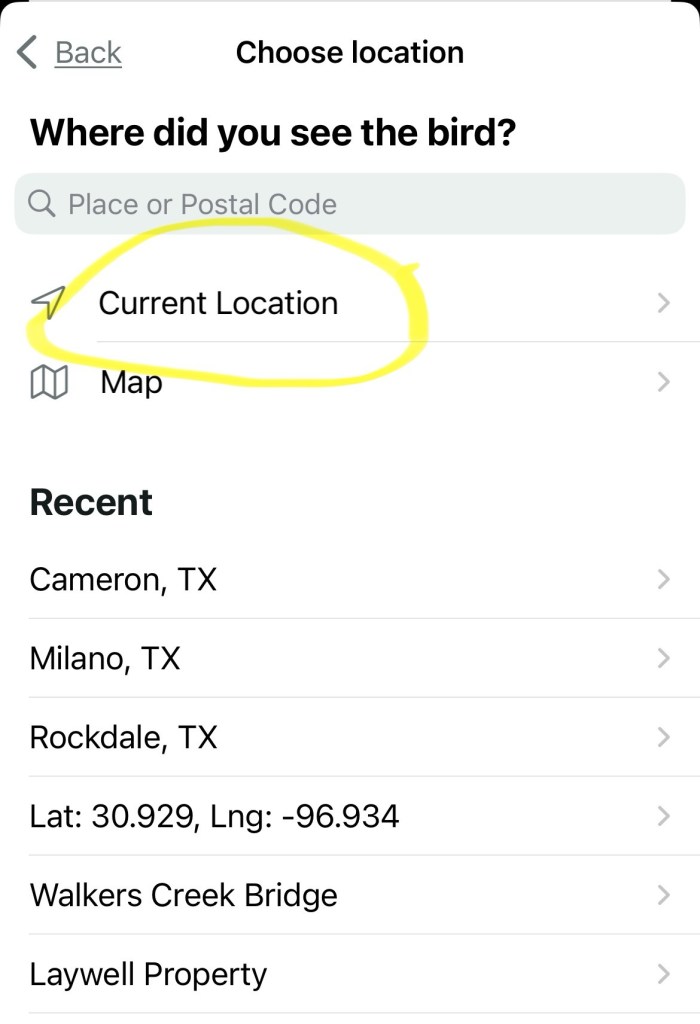
It helps to visually confirm the birds heard unless you’re familiar with it (I think most of us can confirm an American Crow) and to ensure that there isn’t another source for the call (Mockingbirds in my area do a great job with Eastern Phoebes, Eastern Bluebirds, and Belted Kingfishers, for example). Still, using Merlin is a great help for learning to do your own identification of bird calls and impress non-birders.
iNaturalist
Most of our group knows how to use iNaturalist on the computer and/or phone, but not many were familiar with the new iPhone app. So, I showed those who needed the app how to find it and helped get them started. The new app is quite different and has some interesting new capabilities, like using AI to identify what you’re looking at without taking a photo, identifying batches of observations and uploading them later (handy if you have limited bandwidth in the field), and grouping your photos before uploading (a little tricky but helpful).
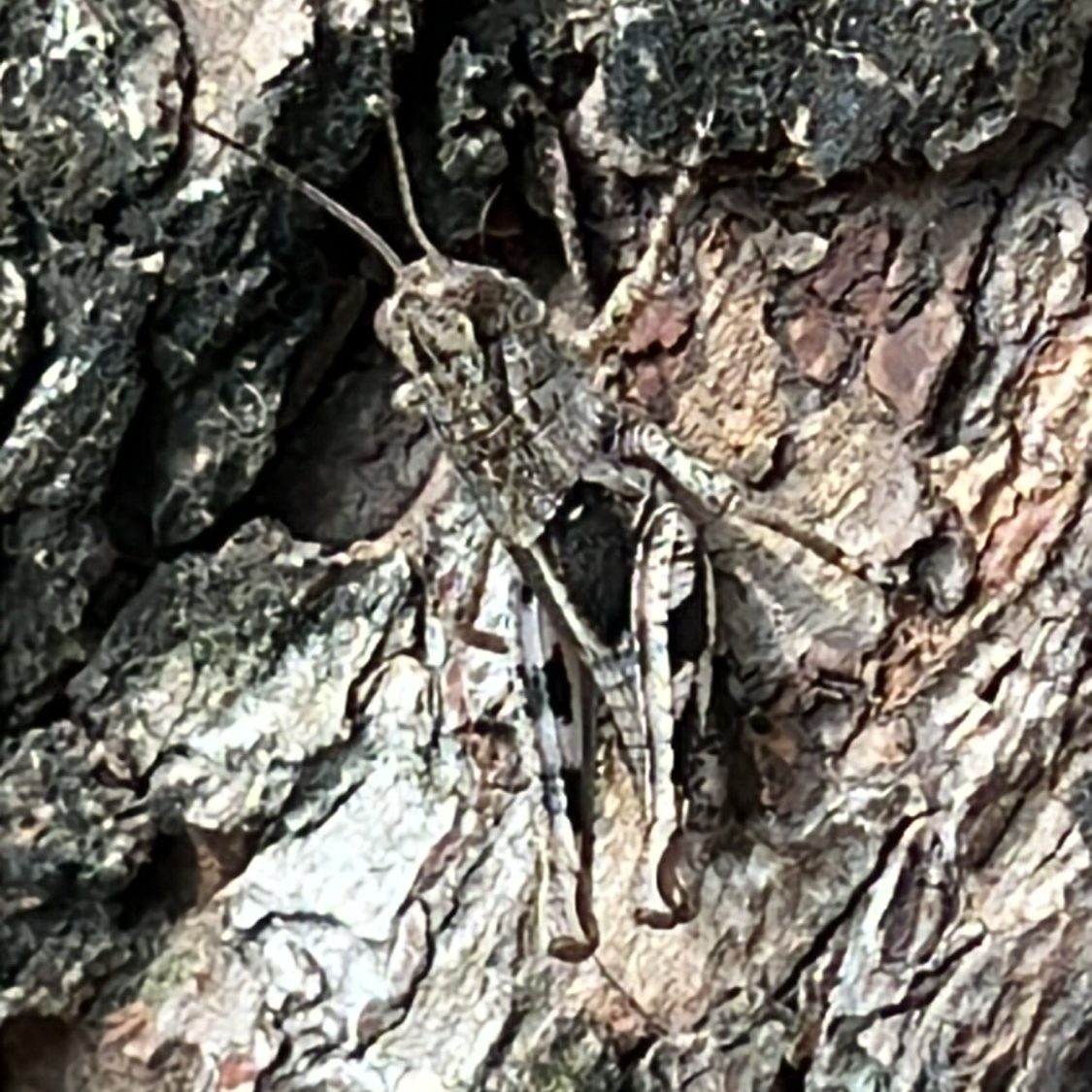
I’d like to do another session on the updated iNaturalist when more Chapter members get set up and try it out a bit. But at one of us said to me, the best thing to do it just get it and make yourself use it until you figure it out. That’s what I did (it helps that I learned and taught applications for a living until just recently, so I’m a good software learner).
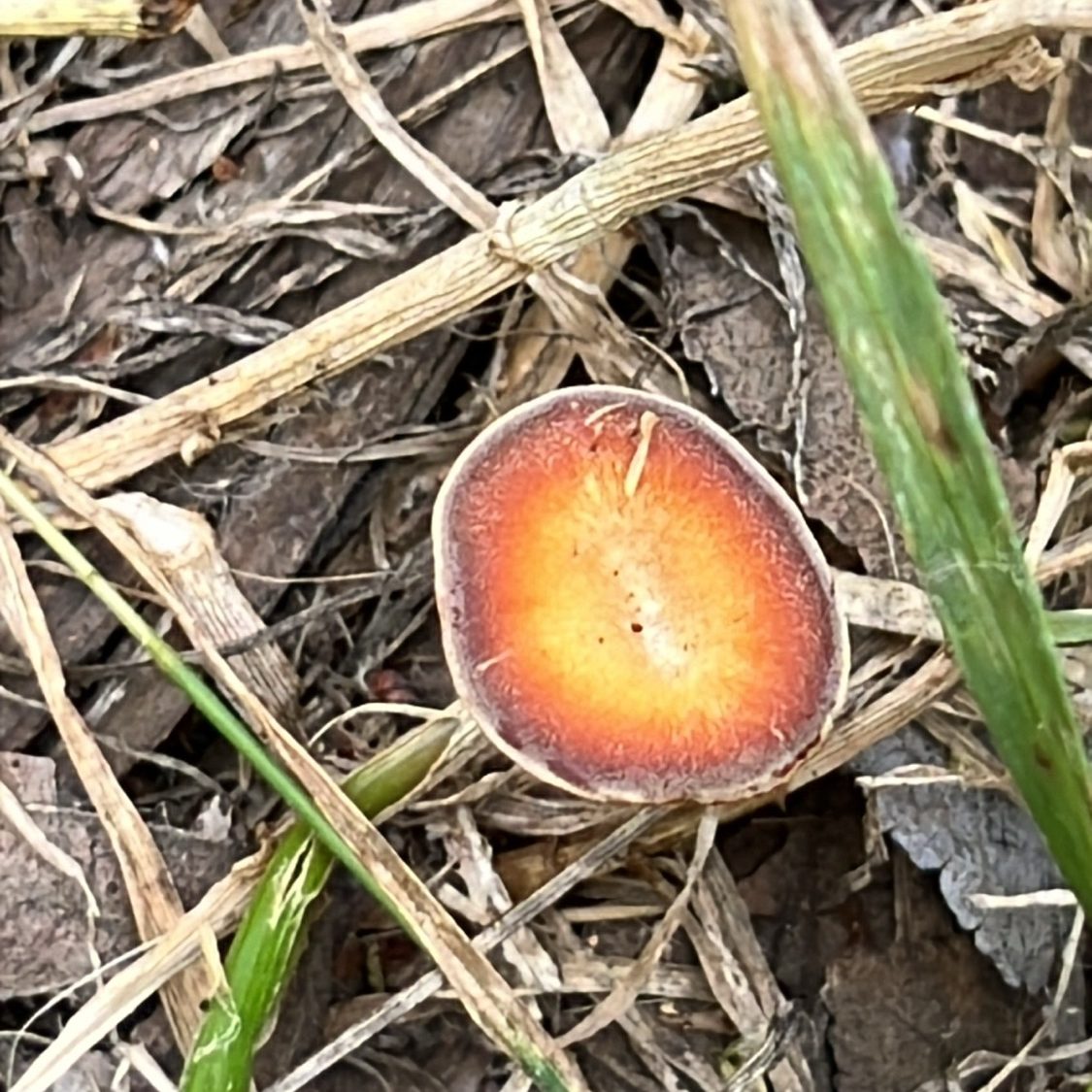
I’m here as a resource for anyone with questions on this one. Send me an email or comment on this blog. Our usual source of vital iNaturalist information, Linda Jo Conn, is hampered by having an Android phone, but she’s your go-to on the computer app and the “classic” iNaturalist. Of course, iNat is working on that Android version, so it should be out soon, we hope.
Thanks as always to Ann Collins and Gene Rek for their hard work on Wild Wings, as well as to our bird sanctuary committee. They have kept the project on track and enabled us to start our educational programs.
Resources
New iNaturalist App for iPhone! This article provides more information about the new iNat app, and has a handy video on configuring it to behave a bit more like the earlier version, which is more like how people who do a lot of identification will want to use it. I highly recommend this if you can learn from text or video (some people prefer to be shown).
What I’ve Learned about Merlin Bird ID: Article I wrote with more Merlin tips and tricks.
iNaturalist New or Classic: Which one for new users? This is on a Reddit forum, so probably of interest to our nerdier Master Naturalists. But the information on how the AI works was interesting to me.
 Nature Along the El Camino Real
WOW, what a fabulous and informative blog!! Learned some new things and thoroughly enjoyed the pictures. Such a sweet little baby bird. Thanks for taking the time to share your knowledge.
LikeLiked by 1 person
I’m glad you enjoyed it!
LikeLike