As Master Naturalists, we think every day is Earth Day, but today is the official day to honor and celebrate the planet where we and all the myriad lifeforms we share the planet with live. Please go out and do something to honor Mother Earth. Plant a plant, clean up some debris along a roadside, donate to your favorite environmental charity…something!
For Earth Day, the El Camino Real chapter has a gift for you. It will be helpful for those living in or visiting Milam County and the surrounding area, but works for most of Texas, too. It’s our Common Milam County Birds brochure! It features pictures of 35 of the birds you’re most likely to see in Milam County. We did our best to include photos you can use to identify birds you see, and are grateful to all who share their photos for nonprofit use on iNaturalist, because that’s where we got them. You can download the brochure and print as many copies as you’d like to share with friends, hand out at events, or display in your business.
We will have copies available at the Wild Wings Bird Sanctuary and any outreach events we hold, starting in May when the author gets back to Texas.
Female hummingbird on red yucca at the Hermits’ Rest Ranch in Milam County.
We would appreciate your feedback and ideas for improving the brochure.
We took a break from most of the projects at the bird sanctuary, but Gene has replaced the irrigation system, installed our benches, and kept the area mowed. The Reks and Ann Collins have been keeping the feeders loaded, and we’re happy to report hummingbirds are aware of this!
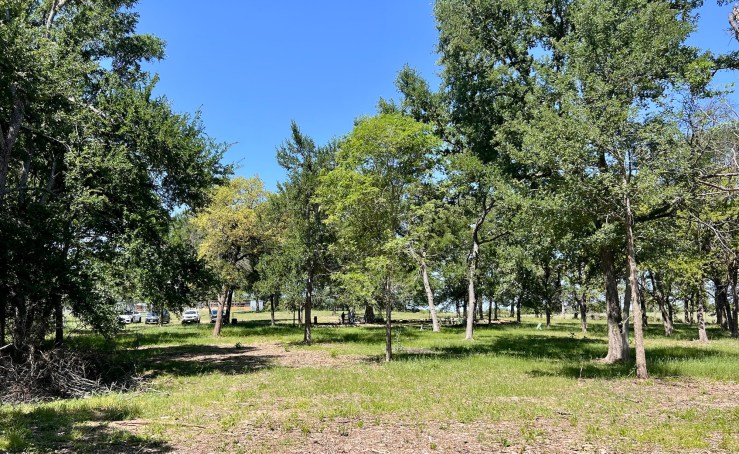
The sanctuary is all green and leafed out now.
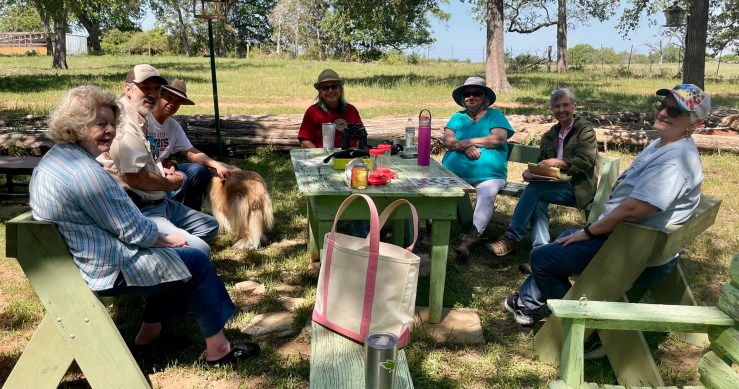
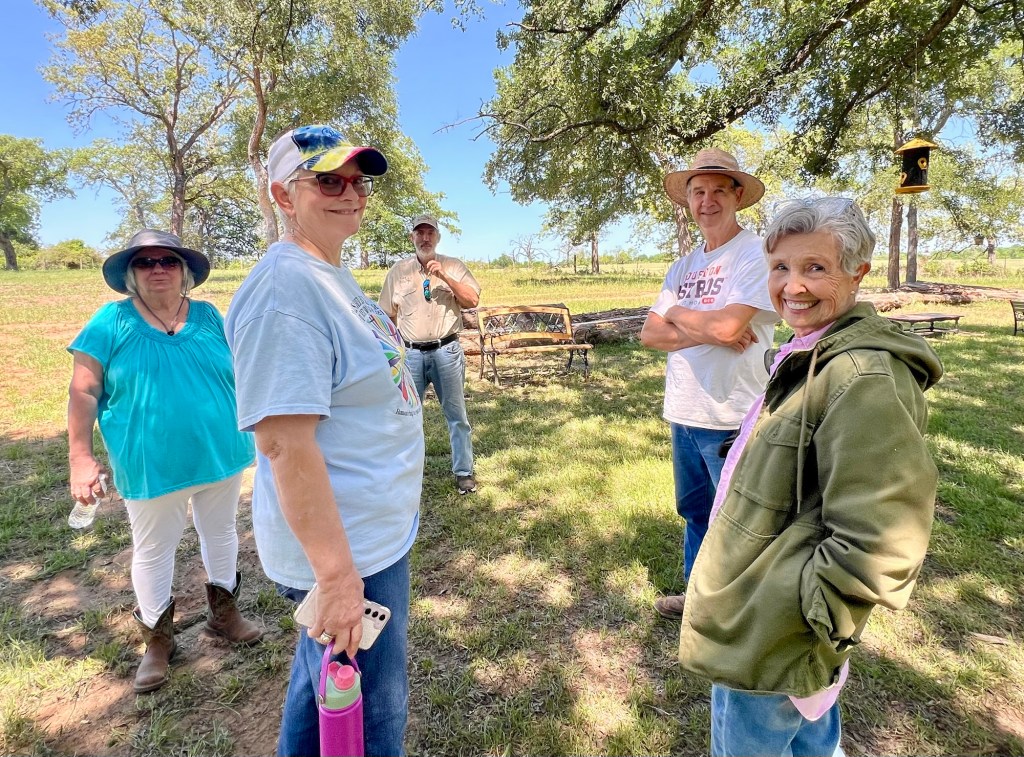
Yesterday we held a well-attended Wild Wings committee meeting and divided up projects and tasks among the attendees. We are always looking for more helpers, so feel free to contact Ann if you have ideas!
Making plans and enjoying the weather.
We now have a mailbox where we will store bird lists, brochures, and a guest book for visitors (which is being made by a bookbinder friend). It will be up soon, so look for it if you come by. We made a schedule for filling the feeders, so that more people will have the opportunity to help with that task, and most important, we tallied the birds we heard and saw at the sanctuary! Look for updated tallies in on our website in the next few days.
Most exciting for our visitors is that we have events scheduled! Here are some highlights:
April 26 join us during the day to participate in the iNaturalist City Nature Challenge event. We can help get you signed up as a participant.
May 17 our experts will provide a hands-on workshop in using Merlin Bird ID. It starts at 10am. Bring your phone!
In the autumn we hope to have a lichen walk, where Master Naturalist experts will share the fascinating variety found here.
Check this blog for more events!
We are also preparing visitor resources. I made one of the bird checklists we are going to have available, an alphabetical list of birds seen in Milam County. Some are common and some are rare. We will link to a PDF of it so you can see what birds you can find. Next will be a list arranged by bird type, which is preferred by experienced birders.
Our team has many talents to bring to Wild Wings!
After that I’ll work on a color brochure of the most common birds seen in Milam County. Wish me luck; I’m not a graphic designer but I’m the designated “computer person.” We selected 23 birds to share and are excited about the project.
Other items in the works are bluebird houses and signage, so our potential visitors can find us! Until then, visit our main website for hours and directions. This is a great time of year to enjoy wildlife in the countryside.
Last Thursday, I headed out to observe wildlife at the Nails Creek Unit of Lake Somerville State Park. My usual method of observing is to take pictures of what I find, then upload the photos to iNaturalist for identification and to document what’s out there. (I also have Merlin Bird ID going most of the time, to catch the birds flying around.) I had a nice walk out by the lake, where I saw many ducks, hundreds of White Pelicans, and some plants I hadn’t seen before. What a lovely afternoon!
Pelicans in flight
Of course, I fired up iNaturalist on my iPhone when I got back to my campsite. To my surprise, there was a notice saying that I should download the new iNaturalist right now, because it has all sorts of wonderful new features (not available on Android yet).
This is the notice on the computer app.
I downloaded iNaturalist Next, as it’s called now, like a good user, but I went ahead and identified my photos on the old app, which still works just fine. I then read all about the new version, which you can, too, by going to their blog. It’s a good idea to do that before starting to use the new one.
Beautiful Prairie Nymph (Herbertia lahue) I saw at the park.
The next day I tried out the new version. I was especially intrigued by the new feature that lets you point to a plant or other living thing and get suggested identifications. So, if you just want to check on something or resolve an argument with your friends about what something is, you can do it without uploading to the database. This is like the Seek app many people use.
After some trial and error, I was happy to figure out that you can take a photo from within the app, get a suggested ID, confirm it (or select another option if you know better), then upload it right then. Off you go to the next intriguing plant. This really saves a lot of time going back in and uploading later.
The top option is the one that gives suggestions.
I have to say it’s not the most intuitive interface ever created (I’m qualified to judge, because I supported users of an application with a horrible UI from 2011-2025, so I know one when I see one). However, once I figured out how to do what I wanted to do, it was just fine. I was also happy to see a pop-up with instructions on how to make the new version work a bit more like the old one, for us creatures of habit, and a reasonable tutorial on the blog post. Here are a few tips I’ve come up with so far:
Here’s the user interface.
Take your pictures carefully. You’ll see possible IDs coming up as you aim the camera at something, if you move slightly or annoy the app in some magical way I don’t understand yet, it might go back to identifying by family or worse. So be sure to snap at the right time to get the ID you want; otherwise you have to go back in and edit the observation, which works like the old iNat.
Note that the photos the app takes are an odd rectangular shape. If you are going to use photos taken with the app for other purposes, you’ll want to go in and crop them to a more useful aspect ratio.
I also find that it’s harder to focus on your organism from within the app than using the phone camera app. I frequently got frustrated trying to get a good image, especially of insects. A couple of times I just took a phone photo and identified the insect or plant later. If you are careful to only upload nice, sharp pictures to iNat, you might just want to get the suggestions in the app, but take pictures separately.
One of the good new features is being able to upload a lot of photos at once (up to 20) for identification. You can group photos of the same organism to go in one observation, but read the instructions first, because I found it to be challenging when I started out. Once you get it, it’s fun.
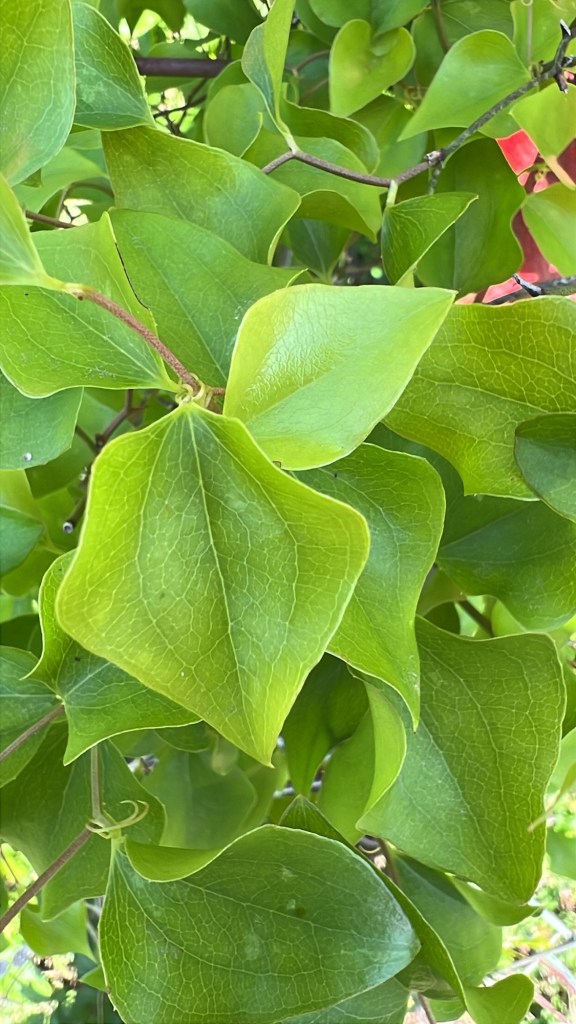
Example of the shape of photos. It was the closest plant to me, Smilax bona nox.
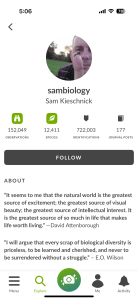
Overall, I think I’ll like this new app just fine. The only thing I really miss is that I liked the more compact list of your observations on the Me tab in the old one. And I think there are some issues with traditional projects that need to be resolved, for those of us who use a lot of projects. New features, like viewing other users’ profiles on the phone, make up for any issues I have. I loved that their example was Sam K.
It’s spring, though, and plants are blooming, so get out there and identify some of what you see on this new app. I’ll be waiting for reviews from some of our Super Users.
One of my favorite pastimes is seeing how many birds I can identify in new places. I’ve found that taking along my favorite electronic helper, Merlin Bird ID is very helpful and also allows me to contribute to the eBird database. This may even get me some volunteer hours as a Master Naturalist, though I admit I do it for fun even when I’m on my property or out of state. Want to join me? Here are some hints.
Before You Start
Before you head out, be sure to download Merlin Bird ID onto your phone and get your account set up. It’s free! Charge your phone up, too. Then get your hat, notebook, binoculars, spare batteries, and water. You may spend longer with the birds than you expect to. It’s hard to stop!
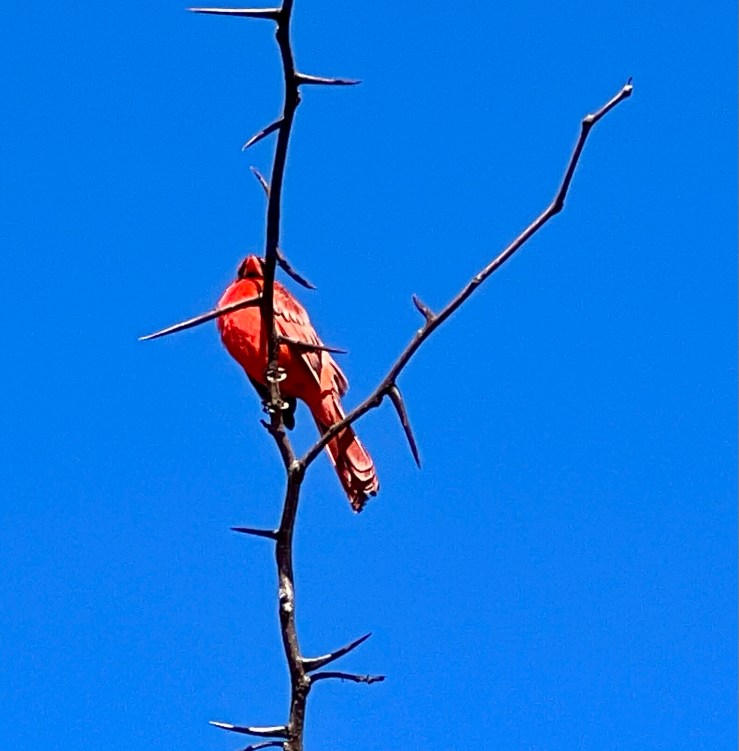
You will probably see a Cardinal if you are in Milam County.
You can go anywhere you want, but I prefer county roads with little traffic and a variety of habitats. Going past water may get you some herons, ducks, or a kingfisher. Fields and prairies are good for sparrows, meadowlarks, starlings, and hungry raptors. Woodlands have woodpeckers, owls, songbirds and more. I find the best birding in places with open space that are near cover (brush or woods). I often park at a friend’s house and take off from there.
Caracara eating pizza off the road – the middle of the road is a good place to find scavengers.
Once I get to the area where I’ll be birding, I do an important thing in Merlin – I set the location for bird recommendations to where I am. That’s important, because Merlin suggests birds likely to be where you are. That may not matter if you’re just a mile or two from your house, but if you’re in another part of Texas or even farther away, you’ll want to know what’s likely to be there. You can use the list of birds found under the “Explore” option in Merlin to check what’s likely to show up so you’ll know what to look for (for example, does your locale have Ravens or only Crows? Does your area have Tufted Titmice or Black-crested?).* In the example below, I was making sure there are still Sandhill Cranes around this time of year at my house.
Another important preparation is to tell your phone to send your calls to voicemail. Every time you get a call, it stops the Merlin recording. I usually use an iPhone setting that lets important calls through, but not spam. Just save the recording if a call interrupts.
Bird Walking
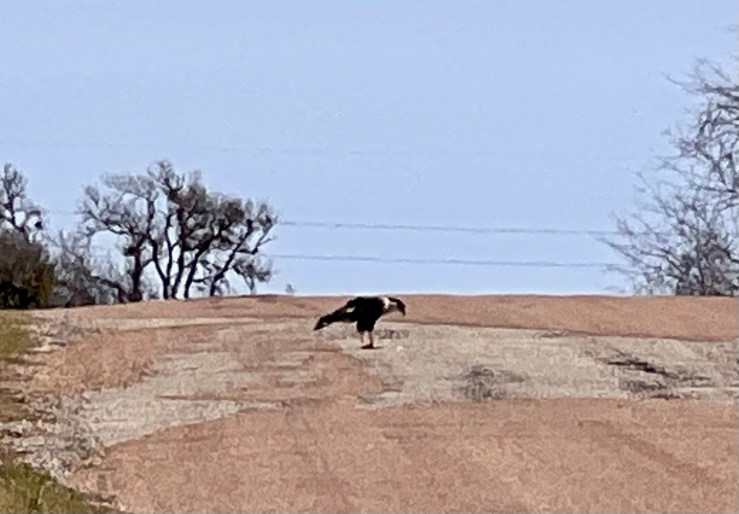
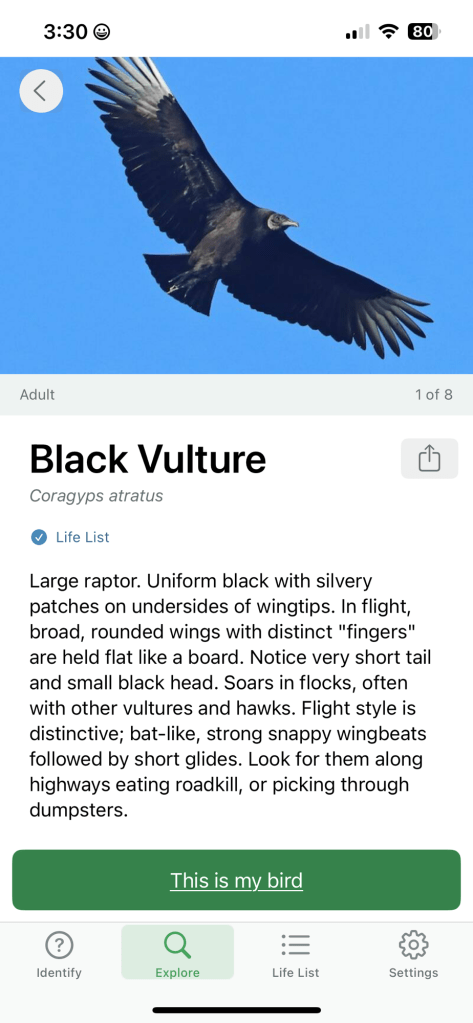
Now you can start your bird walk. Start Merlin on Sound ID as soon as you hear a bird. It’s a good idea to stand still while listening, so your footsteps don’t interfere and so the app can identify sounds more easily. Be ready to photograph any birds you see, because Merlin can identify birds from photos as well as sound. Remember that not every bird is going to make sounds, so be on the lookout for those vultures (Black have white wing tips and Turkey have the “thunderbird” shape on the underside of their wings).
This is a Black Vulture, which was easier to ID in person.
You may also hear birds that Merlin doesn’t register – for example, I just heard Sandhill Cranes flying overhead, but they were very high in the sky, so they didn’t get picked up by the phone microphone. I did get a photo of them, but even if I hadn’t, I could count them since I know what they sound like. Owls are also notoriously hard for Merlin to identify.
These Sandhill Cranes were flying high.
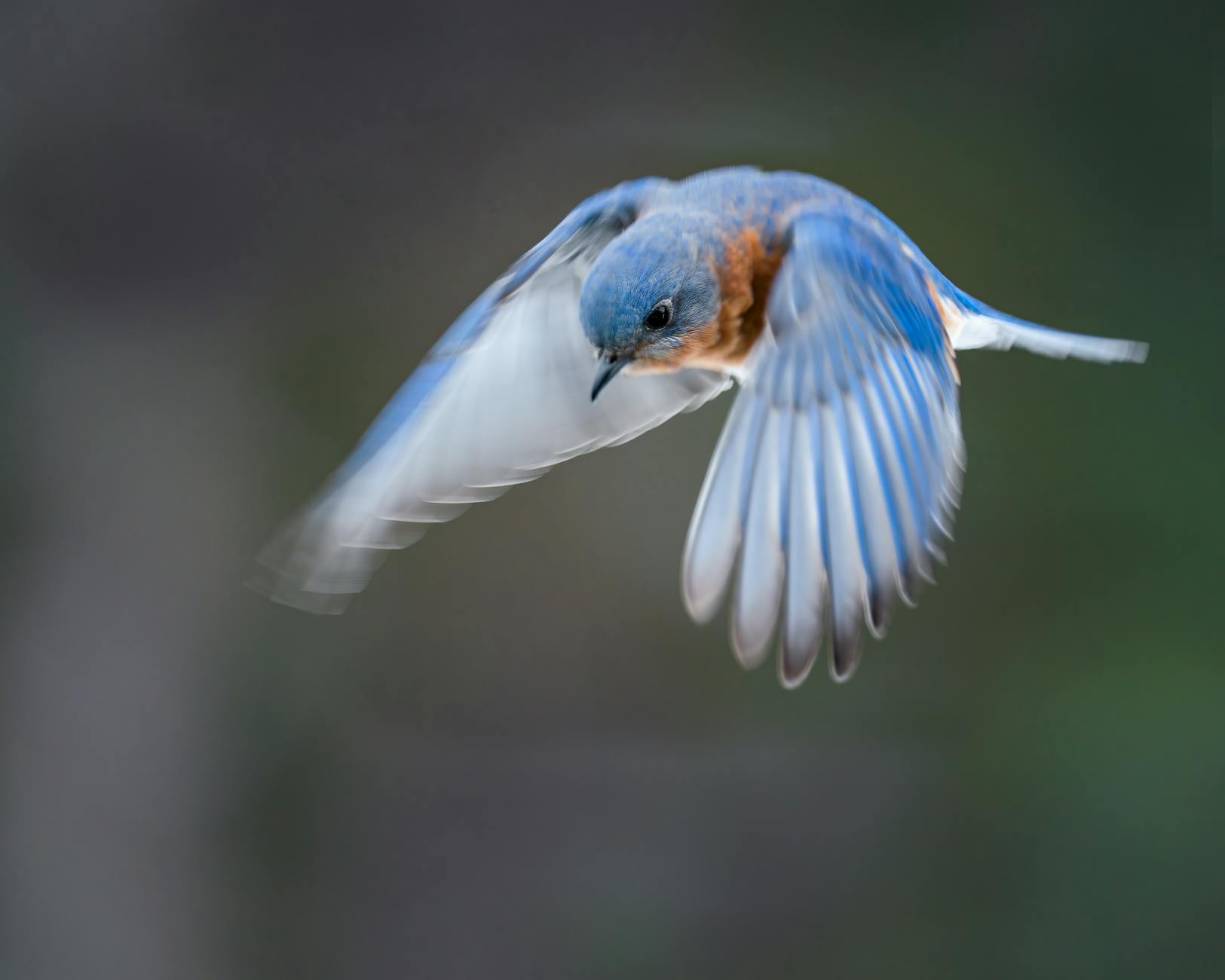
What I do on these walks is stop whenever I hear a bird or birds and let Merlin record them. You may not get very far if the birding is good, but move on when you’ve heard everything in the area. It’s so much fun watching birds show up on the app! I also look around to see if I can see or photograph the bird. Soon you will know what birds are around you by their calls and songs with Merlin’s helpful training. I love this in the summer when the trees are leafed out. I finally got to see Painted Buntings last year thanks to Merlin. And I’ll never forget the sound of passing Eastern Bluebirds and Lesser Yellowlegs as they go overhead out of sight.
I usually listen for 20-30 minutes, then save the recording. Those files aren’t too big and I can review them later to record them. You can select a bird Merlin identifies and click “this is my bird” to save it in eBird. Give the location a good name, so you can later figure out where you were. Good examples are the name of a trail, road name, landmark, state park name, etc. Record them as you see them, because if you try to add them later, you’ll not have the right location and you’ll have to find where you were manually. You can make an eBird checklist when you get home, if you like, though.
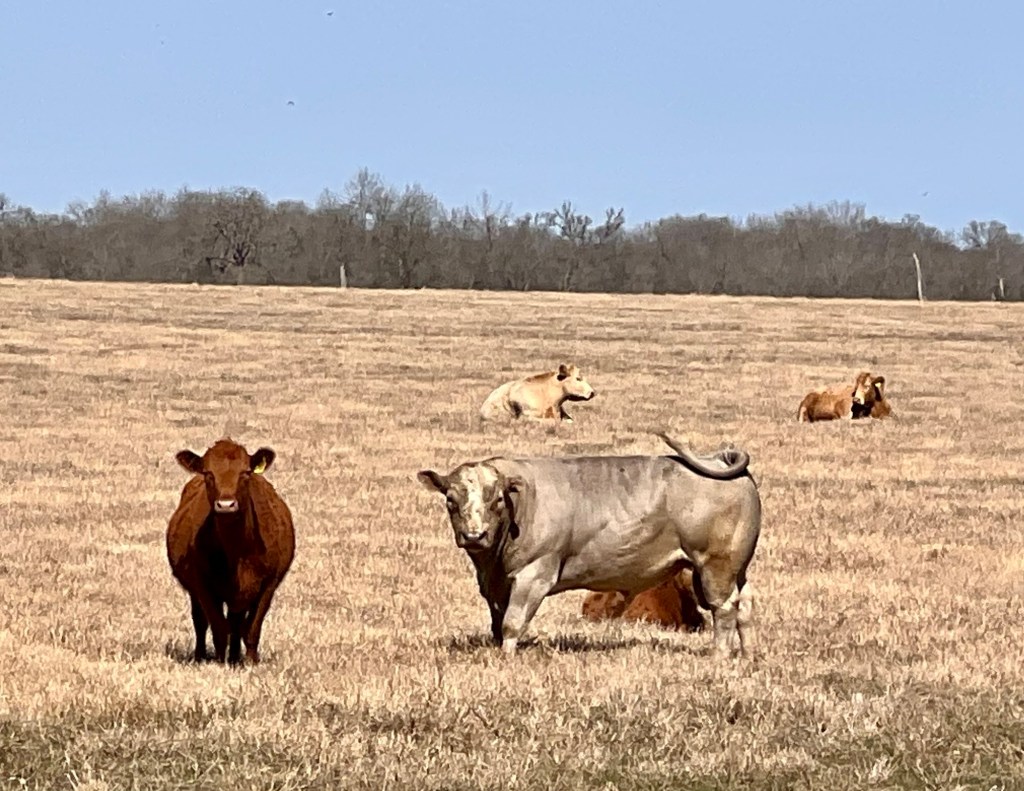
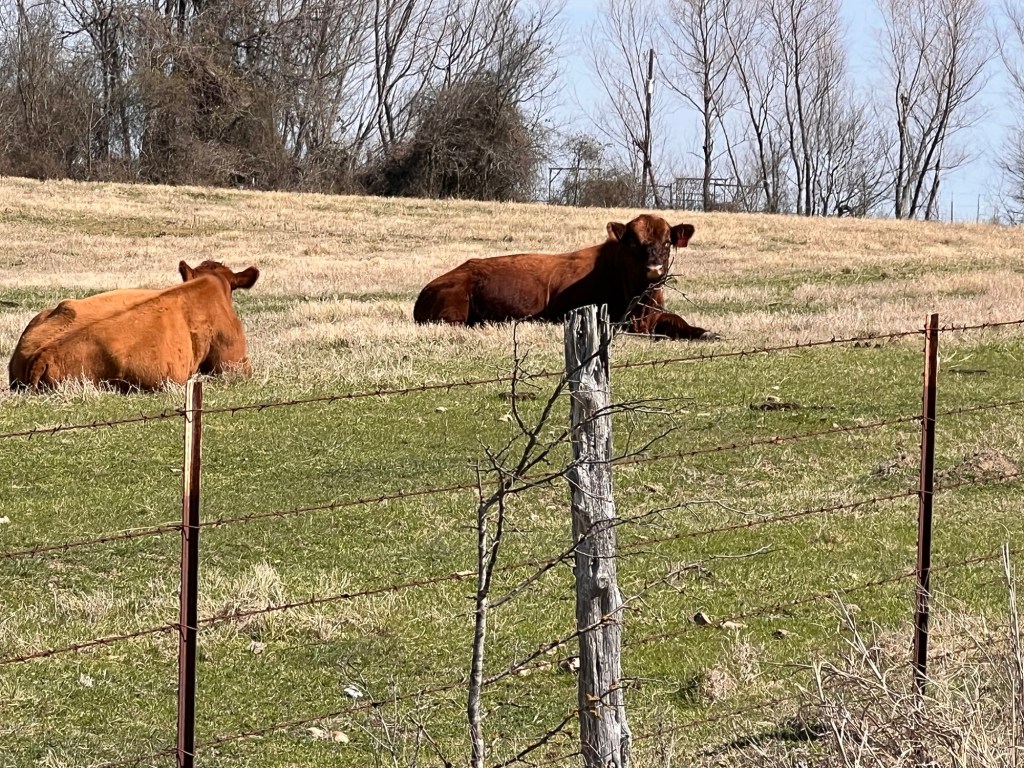
It’s a bullMaybe it’s a bullYou can enjoy the animals on your walk, too, of course. I like to look for bulls among the cows on my road.
On a long walk you might end up with two or three recordings, and a bunch of photos, which you can put on Merlin or in iNaturalist, too. You might get a surprising number of species if you’re patient. Use Merlin to read more about birds that are new to you. It will describe the bird and show you its range, which can be surprising.
The more you walk around with Merlin open and listening, the more you’ll learn about the birds wherever you are. I’ve learned all about the birds where I travel, and conveniently use Merlin to add them to a life list Merlin tracks. If you’ve got a few minutes to spare, take a walk down a country road with Merlin!
Barn Swallows
Just for your information, here’s what I usually do. At home I only put new birds or birds seen at an unusual time in eBird, since I’ve recorded them many times. I have a notebook where I write down the birds I see and hear on Merlin every day and I track sightings monthly on a spreadsheet, which then goes in my blog. It’s fun to see which birds show up in different seasons. I’m a little obsessed, but everyone needs a hobby, right?
A page from my notebook listing birds I saw on one day. I do use abbreviations, but I know what they are!
*Be sure to set your location back to your home base when you return. I realized this morning that Merlin was looking for birds at Inks Lake, not Milam County.








 Nature Along the El Camino Real